
This is an old revision of the document!
An existing script can be imported from a Final Draft (.FDX) file. This can be a native FDX file (written in Final Draft), or exported from most commercial screenwriting software into an FDX file. When creating a new project, upload the FDX file into the “Import From FDX Script File” box.
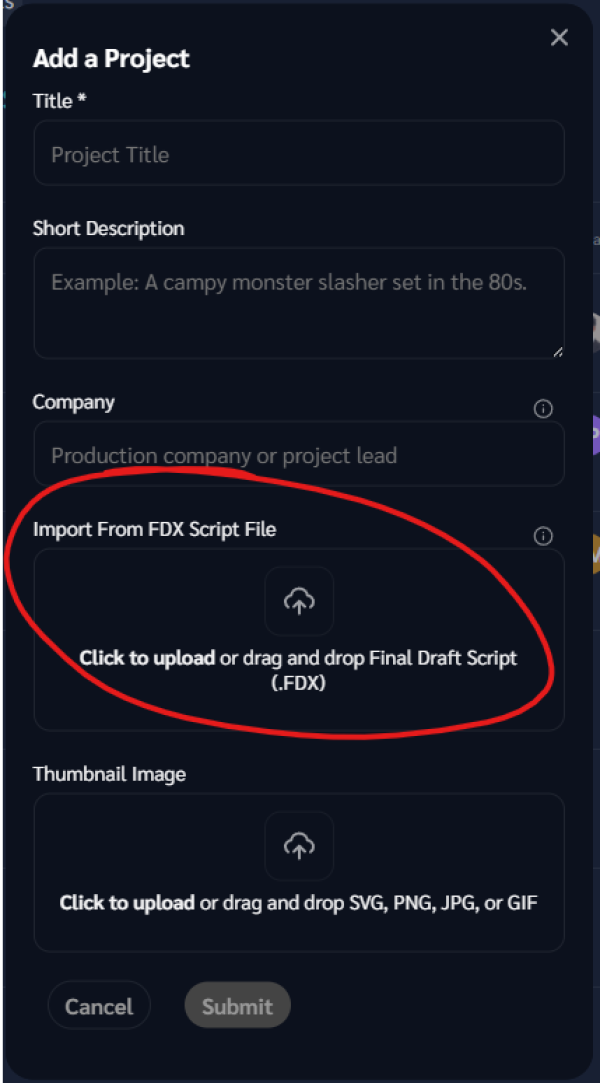
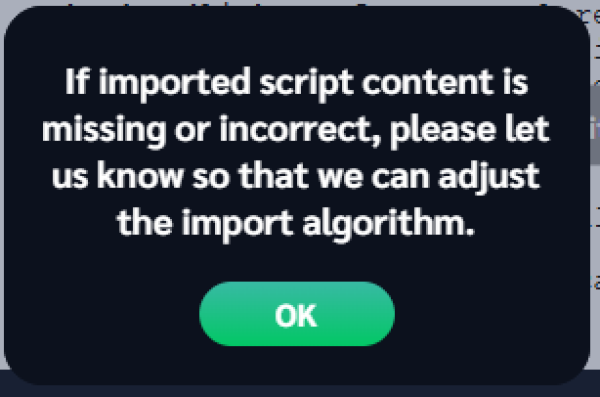
NOTE: Many types of errors or omissions might occur during import. It is important that you do a full review of the content before proceeding.
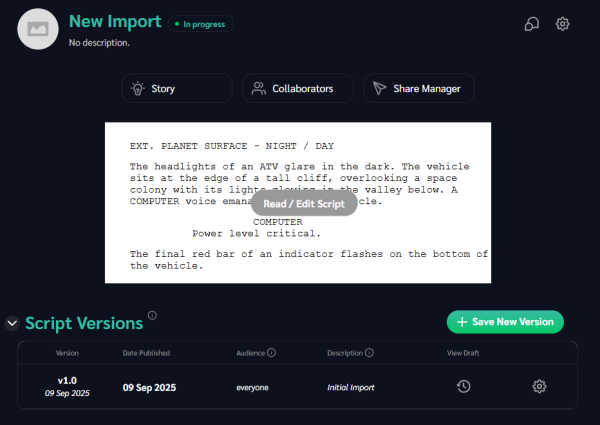
After import, you will land on the project page. From here, you can go straight to the script to check and/or start making edits.
We recommend going to the Story page and reviewing the list of characters and locations. The most common import error is that a character name was typed incorrectly in the original script, and was imported as two different characters.
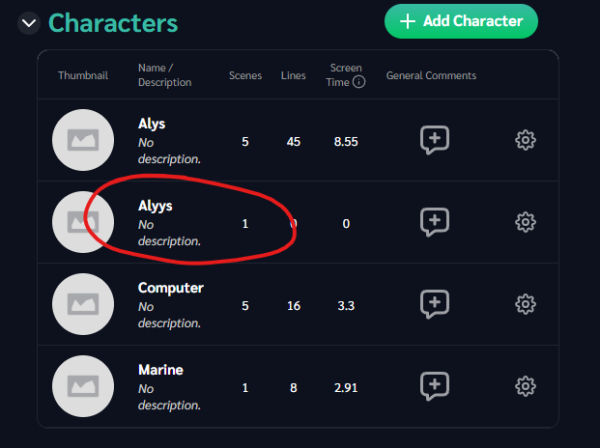
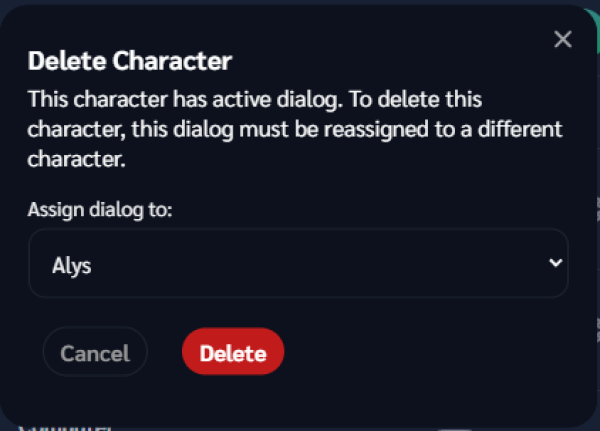
Click the Settings (gear) icon, and delete the duplicate character. The confirmation box warns that the character you are deleting has existing dialog. In the “Assign dialog to:” field, select the correct character. This reassigns all dialog from the typo character to the real character.
Locations and scenes are derived from properly formatted slug lines. If your slug lines do not follow the standard format (INT/EXT. Location - Sublocation - DAY/NIGHT) then mistakes are more likely to occur.